Bring your agent
Connect an agent or session you already work with, where its interface and permissions allow.
 Presence Frame
Now in private beta
Talk to the AI agent you already use.
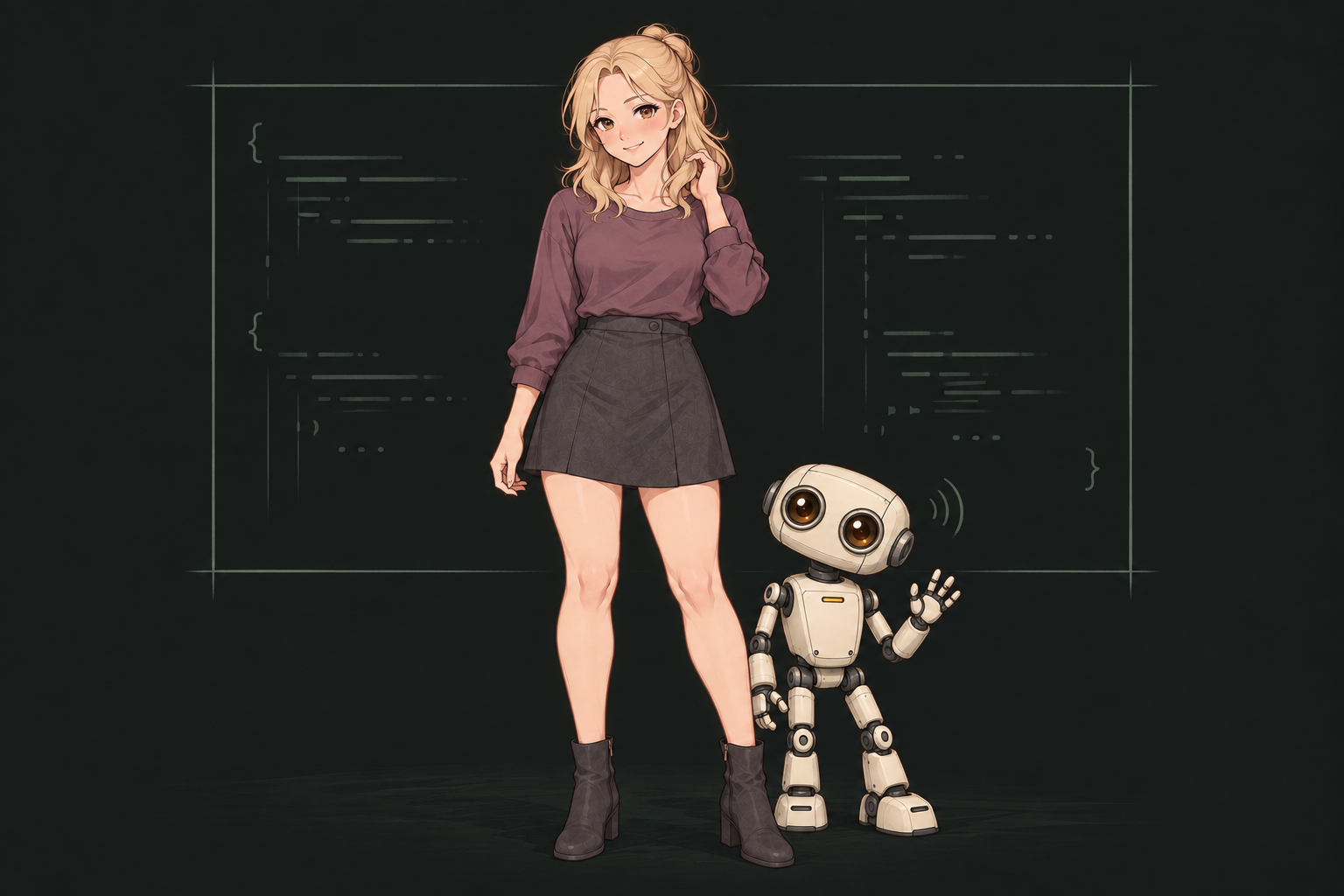
Give it a voice and an animated avatar that moves and reacts, right there on your desktop.
Join the private beta list. Help shape the next avatars.
01 / The experience
You’ve already built a way of working with AI. Presence Frame makes that workflow a conversation.
Talk out loud and hear your agent respond through an animated desktop avatar. Small movements and changing expressions make the conversation feel like someone is there with you.
Presence Frame is in private beta. Get involved early, use it in your own workflow, and help shape what comes next.
Use it. Help shape it.
Help us shape the next few avatar designs while using Presence Frame yourself. Tell us what feels natural, what you use most, and who you’d like on your desktop.
Right there with you
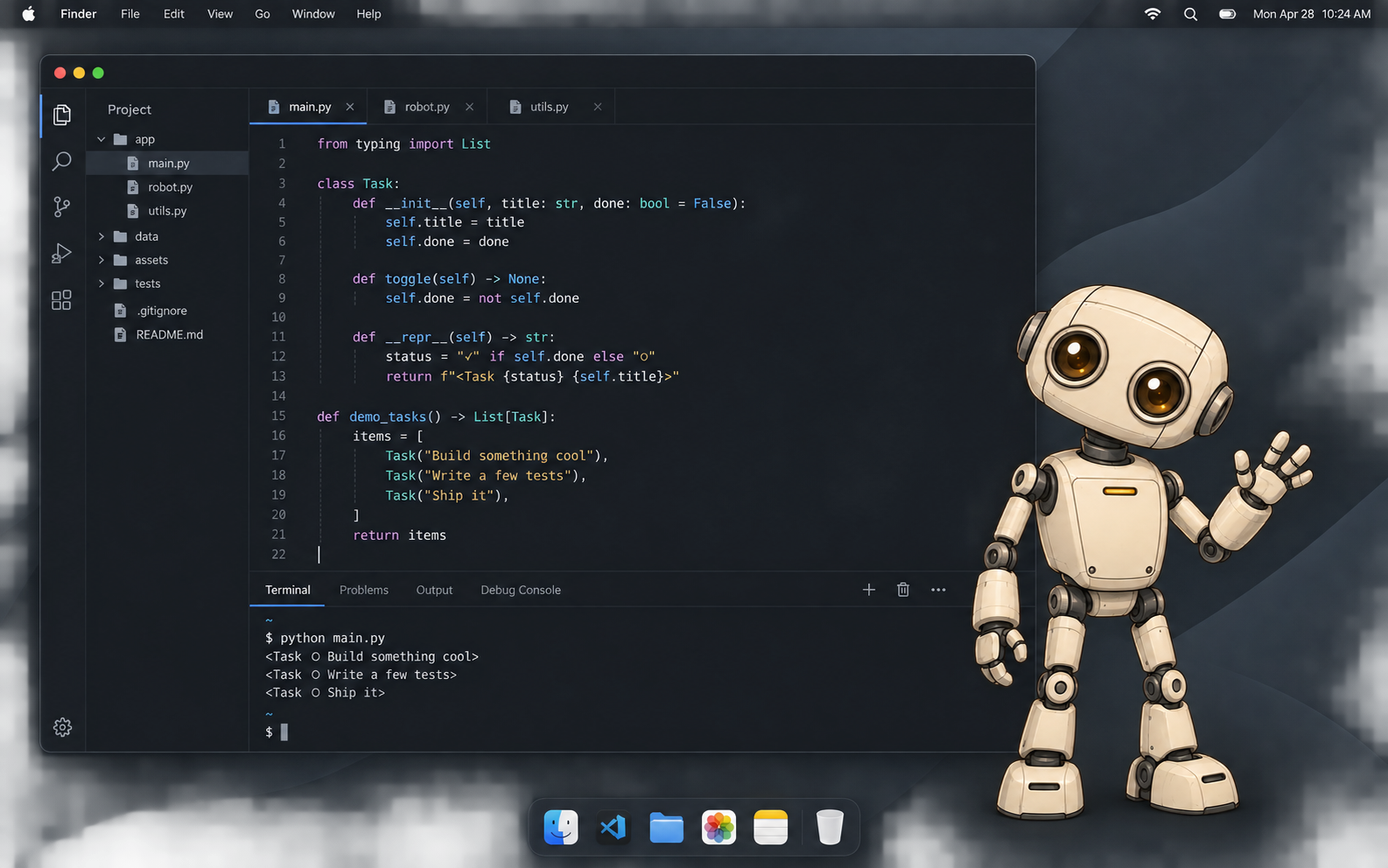
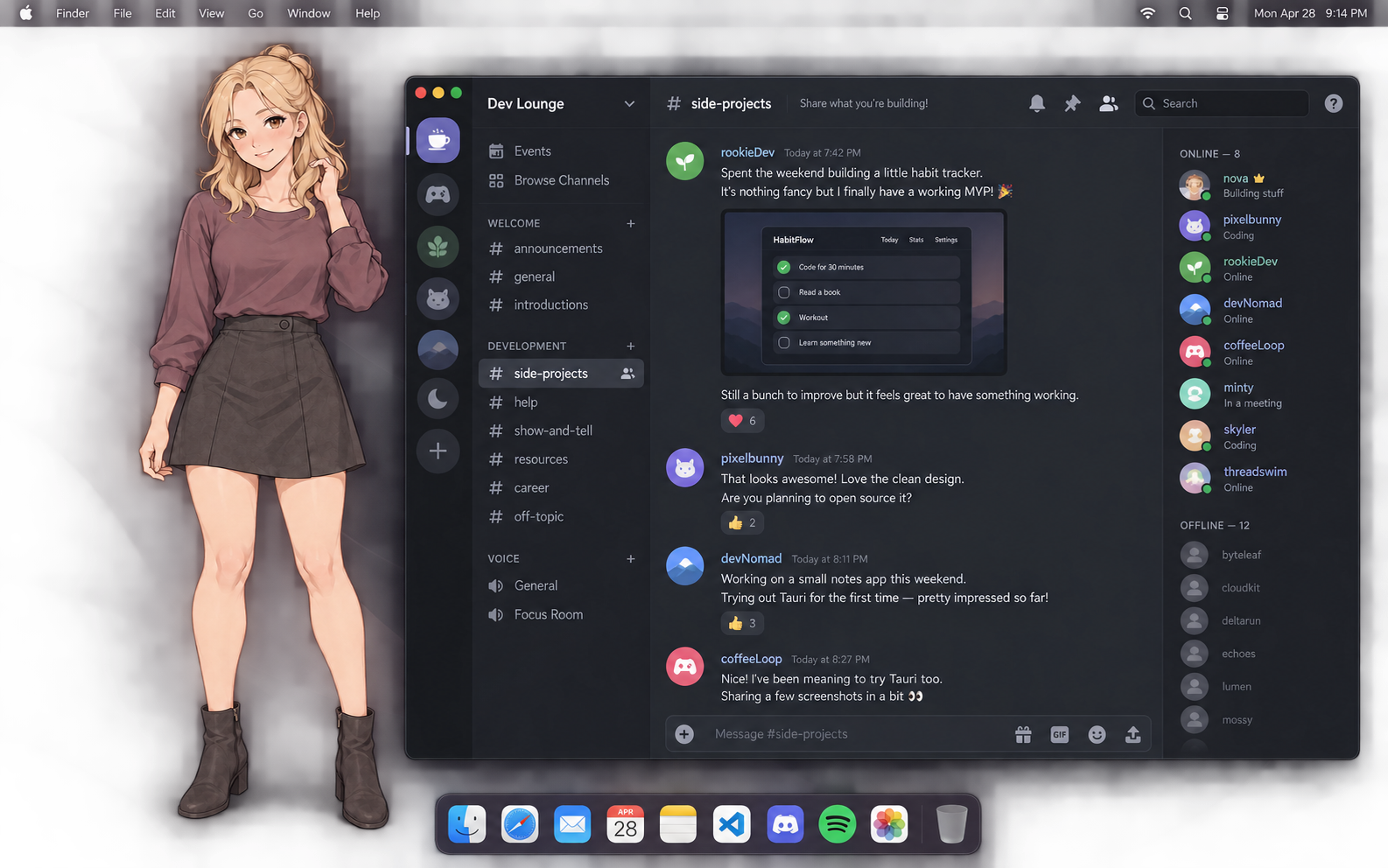
An animated avatar, right on your desktop.
It moves and reacts alongside your editor, your conversations, and your everyday work—with no window around it.
02 / How it works
Your agent, with voice and presence.
Tell us your setup when you request beta access.
Connect an agent or session you already work with, where its interface and permissions allow.
Ask a question, think out loud, or talk through a result without another wall of text.
See your avatar move and change expression as you talk and work together, right on your desktop.
03 / Room for a different rhythm
Made with developers and everyday agent power users in mind.
Explore an architecture choice or untangle an idea in a back-and-forth conversation.
Ask your agent for context while your editor, notes, or project stays in view.
Give your workflow a visual personality without assembling a custom avatar stack from scratch.
Join the private beta
Sign up for early access. Tell us which agent you use and what avatar you’d like to see. Help us shape the next few designs while using Presence Frame yourself.
Private beta · Not yet available for public purchase.A few things to know
Presence Frame is in private beta and isn’t available for public purchase yet. Request early access and tell us about your agent setup to be considered for beta access.
The woman and robot pictured here show the visual direction for Presence Frame. The beta lineup and customization options are evolving. Join the beta to use Presence Frame and help shape the next few avatar designs—whether you’d like a wizard, a bro coding buddy, or something else entirely.
Yes. The avatars are animated, with movement and changing expressions as you talk with your agent. The transparent desktop layer lets them appear alongside your work without a surrounding app window. The images on this page are still illustrations of that experience.
The desktop images are illustrative mockups of the transparent avatar experience, using fictional workspace content. They aren’t screenshots of a beta session. The apps pictured provide context, not confirmed integrations or endorsements.
Compatibility depends on your agent’s interfaces, session access, and permissions. Include your setup in your beta request so we can assess compatibility. We’re not announcing a complete list of supported agents yet.
Presence Frame is a desktop voice and avatar layer for an agent you already use. Keep your existing agent and add a more natural way to talk and work together.
Voice conversations require microphone access. Audio and conversation processing depend on the beta setup; review those details before connecting your agent. This marketing website does not access your microphone or connect to an agent.